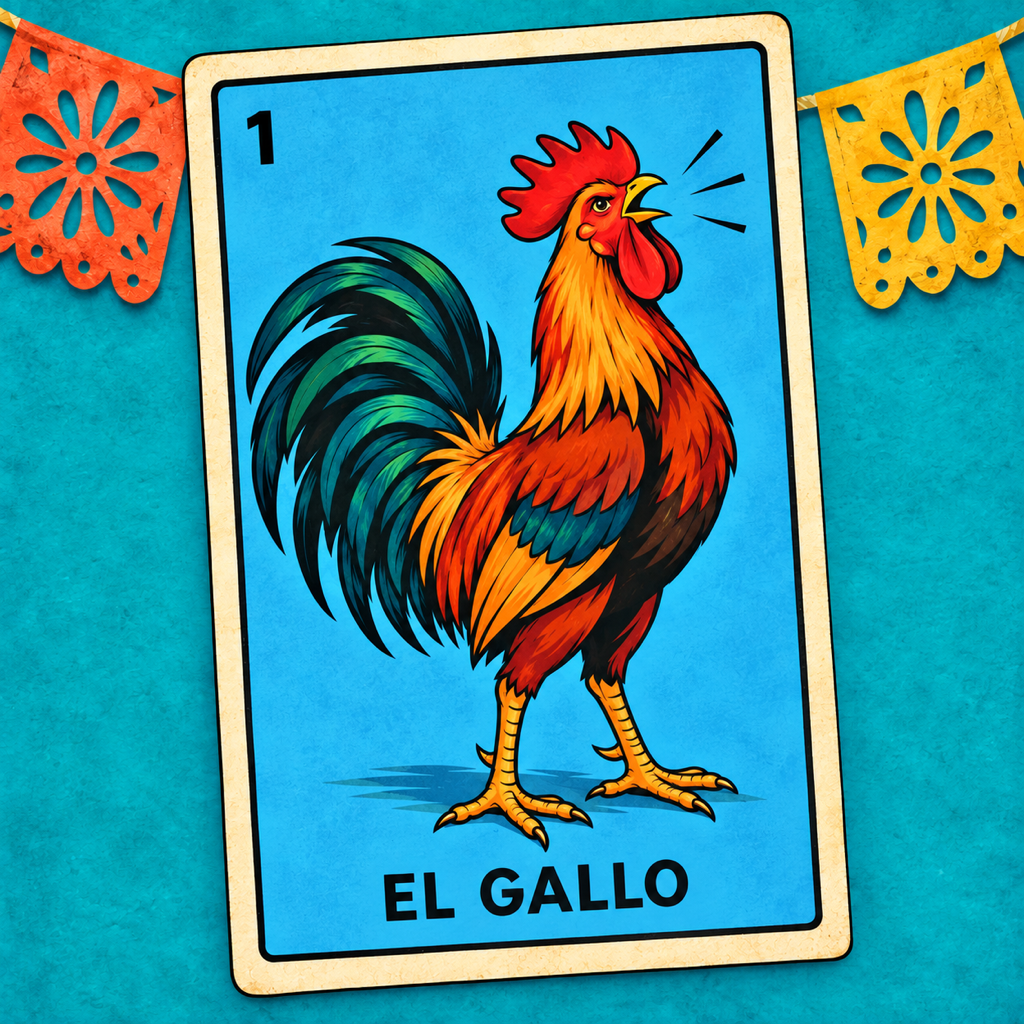
Gather around
How to play
You bring the tablas. Lotería draws and calls the cards, so everyone can join in.
Set the table
Each player needs their own physical tabla (board) and markers. Choose a pattern together before starting: a row, four corners or a full board, for example. Lotería is the caller; it does not provide or mark your boards.
Start the caller
Press Start. After a silent 3 → 2 → 1 countdown and a Spanish introduction, the app reveals and announces cards automatically from a shuffled 54-card deck. Players mark matching pictures on their physical boards.
In Settings, choose the male Cantador or female Cantadora and a 1–5 second interval between calls. Card calls always stay in Spanish, even when the app’s interface is in English.
Pause and check a board
When someone completes the agreed pattern, they call “¡Lotería!” Tap the displayed card to pause the caller. Swipe backward through earlier cards, or tap a history thumbnail, to check what has been called.
History review does not stop the live caller. New cards keep being called while you browse. Tap the main card to pause first if the table needs time.
Resume the same game
Press Resume to return to the current card and continue the same shuffled deck. Leaving the app or an audio interruption pauses calling. On returning from Home, Continue opens the saved game; use Resume when you are ready.
Begin again
New Game is the only reset. It asks for confirmation before clearing the current game and shuffling a fresh deck. Choose Start Over to confirm, or Cancel to keep your progress.
When all 54 cards have been called
The caller plays its closing announcement and stops. You can still review the called cards. The deck does not restart automatically; choose New Game to play again.
Need a hand? Visit Support. These instructions are also available natively inside the app’s Settings.